

Ready to enhance your IoT projects with Raspberry PLC and LTE IoT Expansion Boards?
The Raspberry PLC supports the LTE Cat.4 3 Click expansion board, which features the LARA-L6004D-01B module. This module provides reliable LTE Cat 4 connectivity with support for global LTE networks, as well as fallback to 3G and 2G where LTE isn't available. In this tutorial, you’ll learn how to integrate versatile cellular communication into your Raspberry PLC projects for robust and adaptable IoT solutions.
Essential Hardware for integrating LTE Cat.4 board with Raspberry PLC
To successfully integrate LTE IoT clicks with the Raspberry PLC family, you'll need specific hardware components. This guide outlines the necessary equipment to get your IoT projects up and running with reliable connectivity.
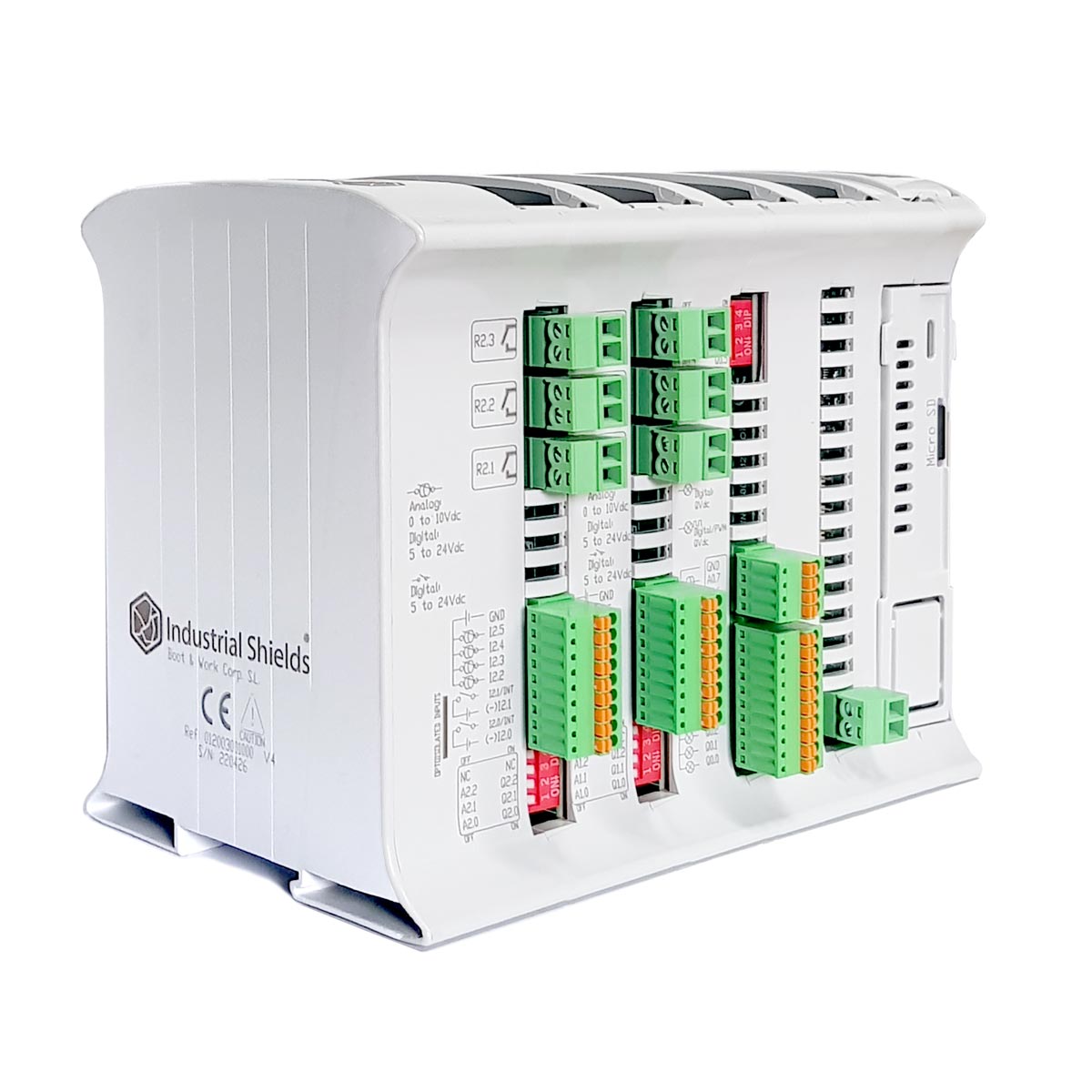
Hardware Requirements
- A Raspberry PLC from the Raspberry PLC family.
- An LTE Cat.4 board connected to one of the communication boards of the Raspberry PLC.
- A SIM card and two antennas for the LTE Cat.4 module.
When purchasing the Raspberry PLC, be sure to select the 4G (Cat 1 M1) - NB1 IoT LTE option on a communication board to incorporate all the required hardware into your setup.
Comprehensive Software Setup for LTE Cat.4 expansion board on Raspberry PLC
To ensure your LTE Cat.4 board works properly with your Raspberry PLC, you'll need to set up the appropriate software. This section provides detailed instructions for downloading and installing the necessary scripts, depending on which expansor you are using. Follow these steps to streamline your installation process.
Here are the "test_lara.sh" codes to test LARA-L6 on the Raspberry PLC depending on the expansor being used for the LTE Cat.4 expansion board:
The expansor 1 is the closest to the ethernet connector.
The expansor 2 is the furthest to the ethernet connector.
Once downloaded the test_lara.sh code for you expansor, transfer it to the Rasperry PLC. This process can be done using the SCP command: scp /path_to_file/test_lara.sh pi@RPi_IP:/home/pi
Verifying LARA-L6 communication on Raspberry PLC: Step-by-Step Testing Guide
Once you have set up the hardware and software for your LTE Cat.4 board on the Raspberry PLC, the next crucial step is to test the LARA-L6 communication. Follow these detailed instructions to ensure everything is functioning correctly and to troubleshoot any potential issues.
To test the LARA-L6 communication follow this steps:
1. Execute the file with superuser permissions: sudo ./test_lara.sh
2. From console it will ask for:
- APN (Access Point Name)
- ISP username
- ISP password
Define the parameters of your SIM card (APN,
ISP username, ISP password). They depend on the phone company of the card, you
can find them on the Internet or contact directly the company if you do
not have them.
3. You can see the log messages executing tail -f /var/log/messages or tail -f /var/log/syslog.
4. After 50-120 seconds of executing the script should appear an interface named ppp0. Execute ip a show ppp0 to see the interface.
5. Ping through the ppp0 interface executing ping 8.8.8.8 -c4 -I ppp0. If the result is "4 packets transmitted, 4 received, 0% packet loss", it means that the ping has been successful.
In case of not getting any successful responses the test can be done manually. Execute the file created by the script with:
python3 /usr/local/bin/network-setup.py
Also, make sure the that the services pppd and check-ppp0 are active:
systemctl status pppd.service
systemctl status check-ppp0.service
For more information about the possible commands check the LARA-L6 AT Commands Manual.
LTE Cat.4 with Raspberry PLC