

Ready to enhance your IoT projects with Raspberry PLC and LTE IoT Expansion Boards?
The Raspberry PLC supports the LTE Cat.4 3 Click expansion board, which features the LARA-L6004D-01B module. This module provides reliable LTE Cat 4 connectivity with support for global LTE networks, as well as fallback to 3G and 2G where LTE isn't available. In this tutorial, you’ll learn how to integrate versatile cellular communication into your Raspberry PLC projects for robust and adaptable IoT solutions.
Essential Hardware for integrating LTE Cat.4 board with Raspberry PLC
Para integrar con éxito LTE IoT clicks con la familia Raspberry PLC, necesitarás componentes de hardware específicos. Esta guía describe el equipo necesario para poner en marcha tus proyectos IoT con conectividad confiable.
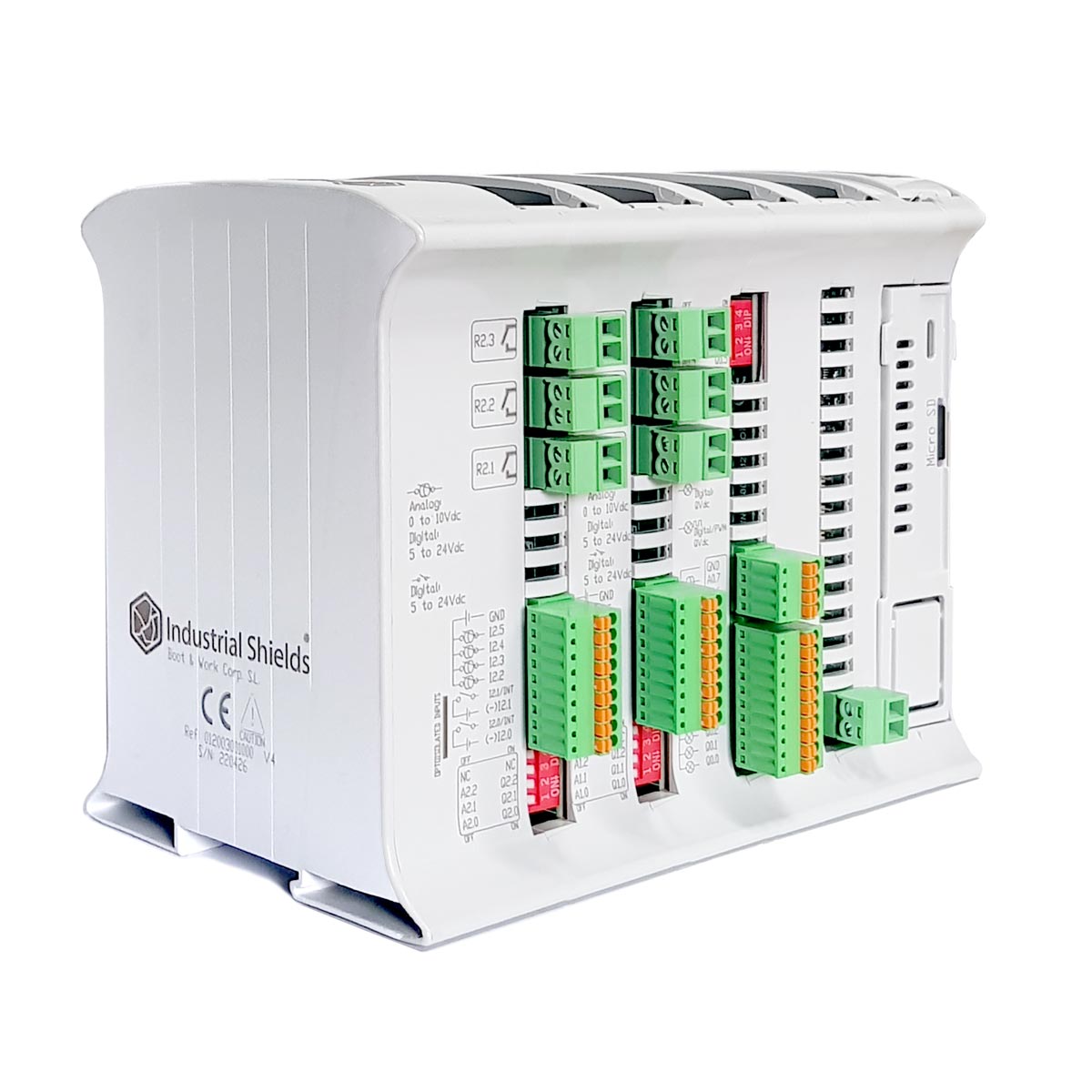
Requisitos de Hardware
- Un Raspberry PLC de la familia Raspberry PLC.
- An LTE Cat.4 board connected to one of the communication boards of the Raspberry PLC.
- A SIM card and two antennas for the LTE Cat.4 module.
When purchasing the Raspberry PLC, be sure to select the 4G (Cat 1 M1) - NB1 IoT LTE option on a communication board to incorporate all the required hardware into your setup.
Comprehensive Software Setup for LTE Cat.4 expansion board on Raspberry PLC
Para asegurar que tus LTE IoT clicks funcionen correctamente con tu Raspberry PLC, deberás configurar el software adecuado. Esta sección proporciona instrucciones detalladas para descargar e instalar los scripts necesarios, dependiendo del "expansor" que estés utilizando. Sigue estos pasos para agilizar el proceso de instalación.
Here are the "test_lara.sh" codes to test LARA-L6 on the Raspberry PLC depending on the expansor being used for the LTE Cat.4 expansion board:
"Expansor 1" es el más cercano al conector Ethernet.
"Expansor 2" es el más alejado del conector Ethernet.
Una vez descargado el código install.sh para tu expansor, transfiérelo al Raspberry PLC. Este proceso se puede realizar usando el comando SCP:scp /path_to_file/install.sh pi@RPi_IP:/home/pi
Verificación de la comunicación SARA-R4 en Raspberry PLC: Paso a paso
Una vez configurado el hardware y software para tus LTE IoT clicks en el Raspberry PLC, el siguiente paso crucial es probar la comunicación SARA-R4. Sigue estas instrucciones detalladas para asegurar que todo funcione correctamente y para solucionar cualquier posible problema.
Para probar la comunicación SARA-R4, sigue estos pasos:
1. Ejecuta el archivo con permisos de superusuario: sudo ./install.sh
2. Desde la consola, se solicitará:
- APN (Access Point Name)
- ISP username
- ISP password
Define the parameters of your SIM card (APN,
ISP username, ISP password). They depend on the phone company of the card, you
can find them on the Internet or contact directly the company if you do
not have them.
3. You can see the log messages executing tail -f /var/log/messages or tail -f /var/log/syslog.
4.Después de 50-120 segundos de ejecutar el script, debería aparecer una interfaz llamada ppp0. Ejecuta ifconfig ppp0 para ver la interfaz.
5. Haz "ping" a través de la interfaz ppp0 ejecutando ping 8.8.8.8 -c4 -I ppp0. Si el resultado es "4 packets transmitted, 4 received, 0% packet loss", el "ping" es exitoso.
In case of not getting any successful responses the test can be done manually. Execute the file created by the script with:
python3 /usr/local/bin/network-setup.py
Also, make sure the that the services pppd and check-ppp0 are active:
systemctl status pppd.service
systemctl status check-ppp0.service
For more information about the possible commands check the LARA-L6 AT Commands Manual.
LTE Cat.4 con Raspberry PLC