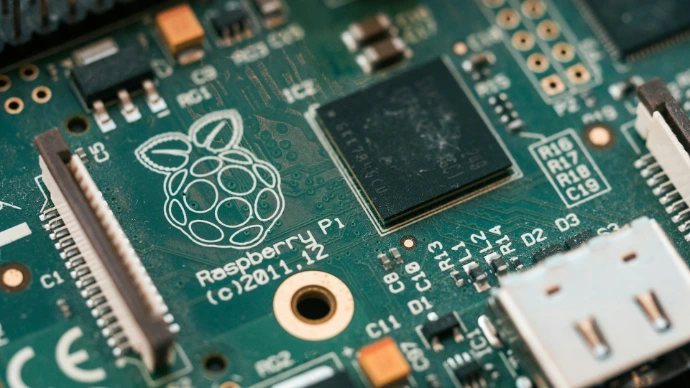
First Steps with Raspberry Pi
Go from a Raspberry PLC out of the box to a connected controller that reads field signals, talks to other devices and shows data on a dashboard. This course teaches the Raspberry Pi ecosystem through the Industrial Shields Raspberry PLC, with the habits of professional automation: tested wiring, authenticated services and reproducible setups.
What you will be able to do
- Set up a Raspberry PLC: access, network, operating system image and safe shutdown with the UPS.
- Choose and test the right communication interface: I2C, SPI, RS-485, serial TTL, Ethernet, MQTT and RTC.
- Read and drive digital inputs, analog inputs and outputs, and relays from Python and C++.
- Add 4G/LTE connectivity and a CAN bus with expansion boards.
- Implement Modbus RTU and Modbus TCP masters and slaves with pymodbus and Node-RED.
- Build Node-RED flows and an MQTT dashboard, and secure the editor for plant use.
Who it is for
System integrators, OEM engineers and technicians who need to connect machines, sensors and drives with a Linux-based controller, and engineers coming from PLCs who want to add Raspberry Pi tools to their projects. Basic familiarity with the command line helps, but no previous Raspberry Pi experience is needed.
What you need
A Raspberry PLC (two for the Modbus RTU and TCP tests), a PC on the same network and, optionally, an M-Duino PLC for the RS-485 test. Every lesson ends with a short quiz.
Explore the Raspberry PLC range at www.industrialshields.com.